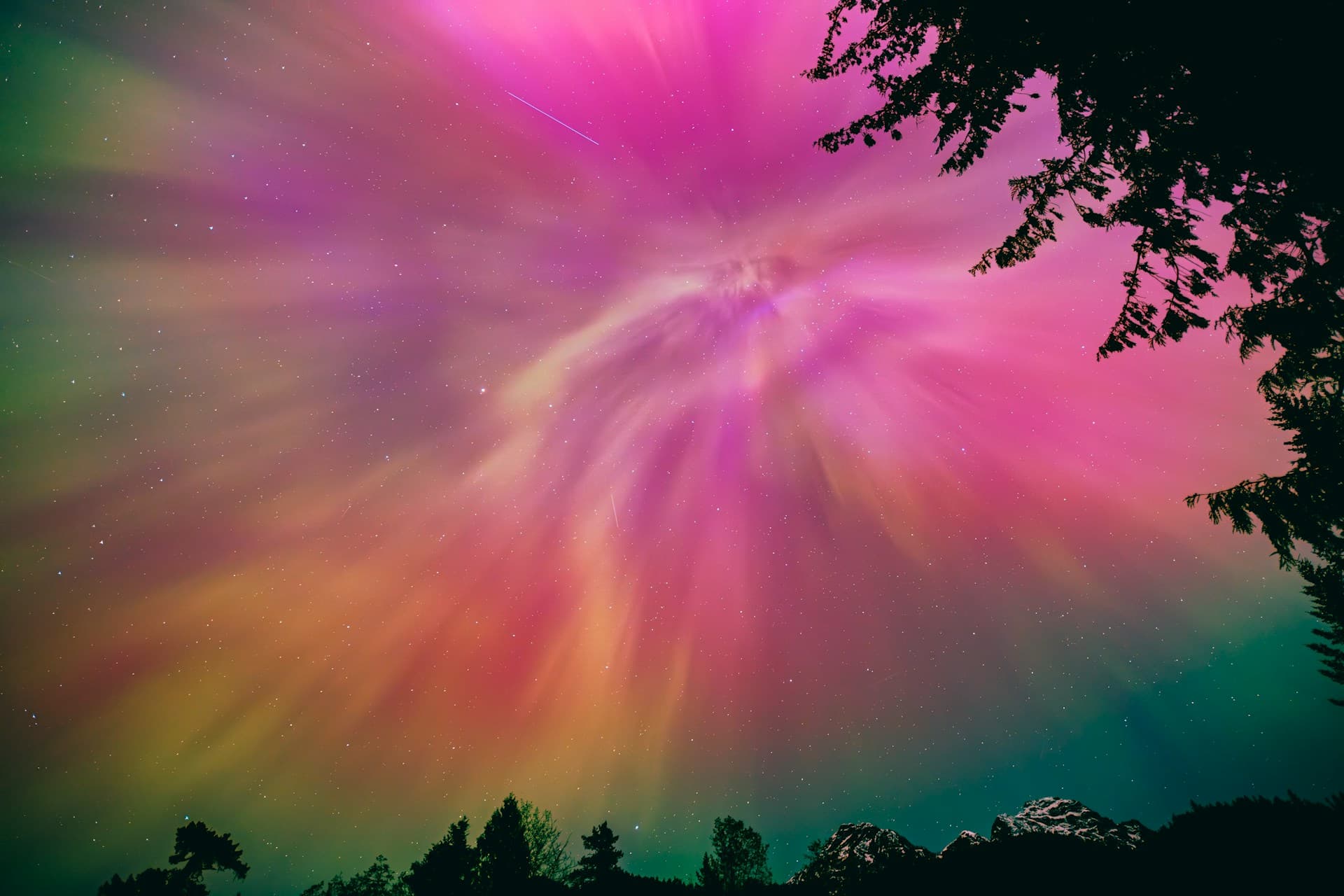
Photo: Kush Dwivedi / Unsplash
How to photograph the northern lights
A recipe for a camera and a phone: the settings, the focus and the mistakes everyone makes the first time.
Start here, and adjust after the first shot
- ISO
- 1600
- Shutter
- 10 s
- Aperture
- f/2.8
Adjust to the aurora
The aurora changes from minute to minute. The faster it moves, the shorter the exposure it needs, or it turns into a green haze without shape.
Faint and calm
15–20 sISO 1600–3200
A pale arc low in the sky. Give it time.
Moderate
8–15 sISO 1600
Clear bands that move slowly. The starting point fits.
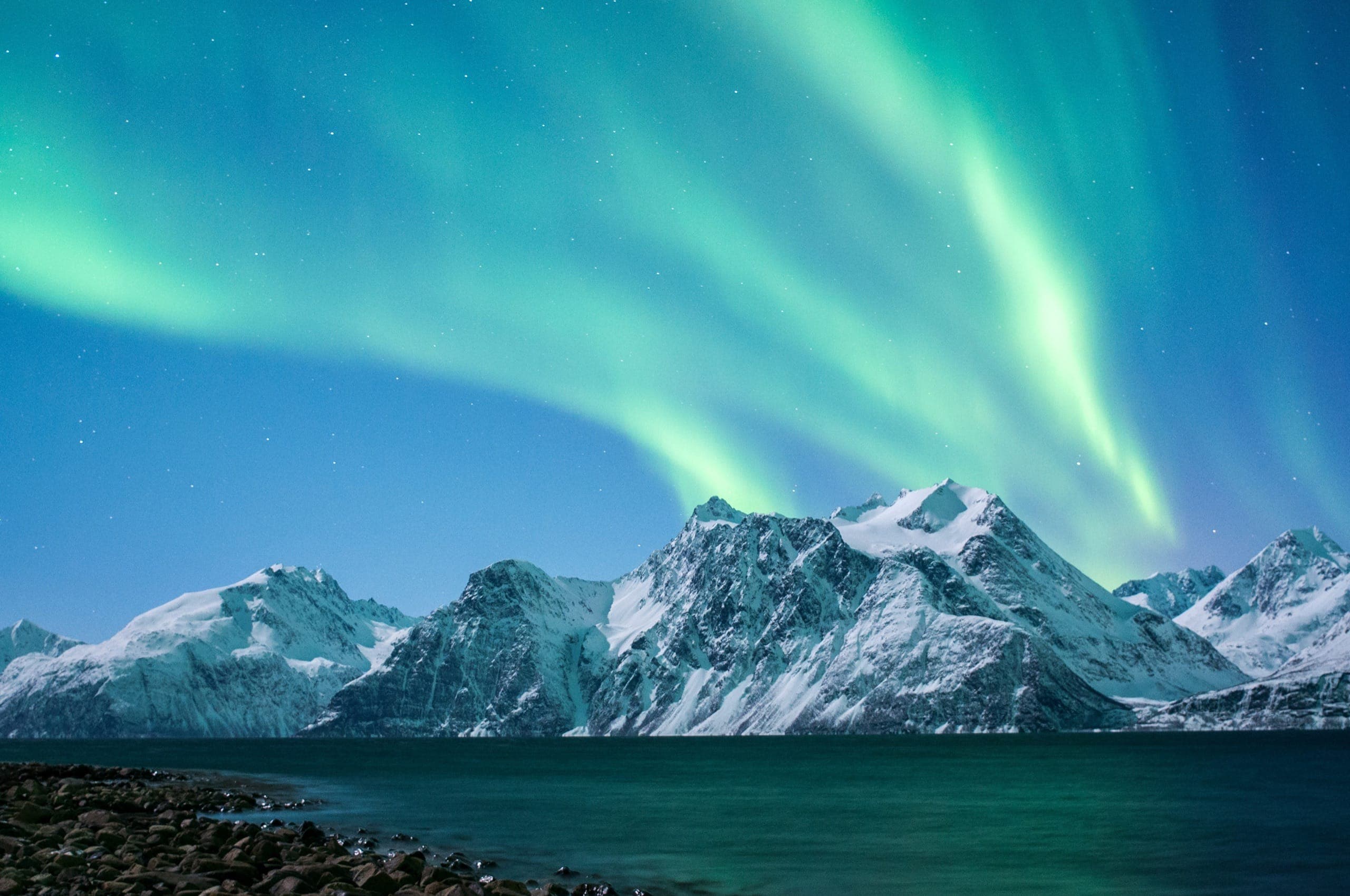
Bright and fast
2–5 sISO 3200–6400
Dancing curtains and a corona. A short exposure keeps the shapes sharp.
With a DSLR or mirrorless camera
Works with any camera where you set the shutter, aperture and ISO yourself. Practise at home before the trip: it is hard with cold fingers in the dark.
A steady tripod
Put the camera on a sturdy tripod. Take off UV and other filters: they cause rings and flare at night.
Manual mode and RAW
Turn the dial to M and choose RAW. RAW keeps the colours and makes white balance and exposure easy to fix later.
Wide angle, widest aperture
Zoom all the way out (for example 14–24 mm) and choose the lowest f-number, ideally f/2.8 or faster. At f/4, give it a little more time or ISO.
Focus on infinity
Turn off autofocus. Set focus to infinity, zoom in on a bright star on the screen and turn the ring until it is as small a point as possible. Tape the ring if you can.
The starting values
ISO 1600, 10 seconds, f/2.8. White balance around 3500–4000 K, or auto, since RAW can be corrected later. Flash off.
Turn off what gets in the way
Turn off image stabilisation on a tripod. Turn off long-exposure noise reduction, or the camera waits as long as the exposure before the next shot.
Release without touching
Use a remote or a 2-second self-timer so the camera stays perfectly still.
Check and adjust
Zoom in on the stars: small and sharp? Too dark: longer or higher ISO. Green haze without shape: shorter. Stars turn into streaks if the exposure is too long, roughly over 30 s at 14 mm and 20 s at 24 mm.
With a phone
Recent phones take good aurora photos, but only when the phone is perfectly still. That is the most important advice.
iPhone
Steady, flash off
Put the phone on a small tripod or against something solid, such as a fence or a car roof. Turn off the flash.
Night mode
In the dark, Night mode turns on by itself and the moon icon turns yellow. Tap it and drag the slider all the way to Max.
Longer on a tripod
When the iPhone senses it is still, it offers longer exposures, up to 30 seconds.
Lock focus far away
Press and hold on something distant, such as a mountain top or a light on the horizon, until it says AE/AF Lock.
Release without touching
Use the 3-second timer, an Apple Watch or a Bluetooth remote. On a Pro model, turn on ProRAW.
Android
Steady, flash off
A tripod or a solid surface, and turn off the flash.
Pixel: Night Sight
Choose Night Sight. When the phone is perfectly still it switches to astrophotography and takes several exposures over up to a few minutes.
Samsung and others: Pro mode
Choose Pro or Manual. Shutter 10–30 seconds, ISO 800–1600 and focus manually on infinity (the mountain icon).
White balance
Fix it around 4000 K in Pro mode so the colours do not shift from shot to shot. Choose RAW if the app has it.
Release without touching
A 2–3 second timer or a Bluetooth remote.
For both: dim the screen, avoid digital zoom, and keep the phone in an inside pocket between shots. Cold drains the battery fast, so bring a power bank.
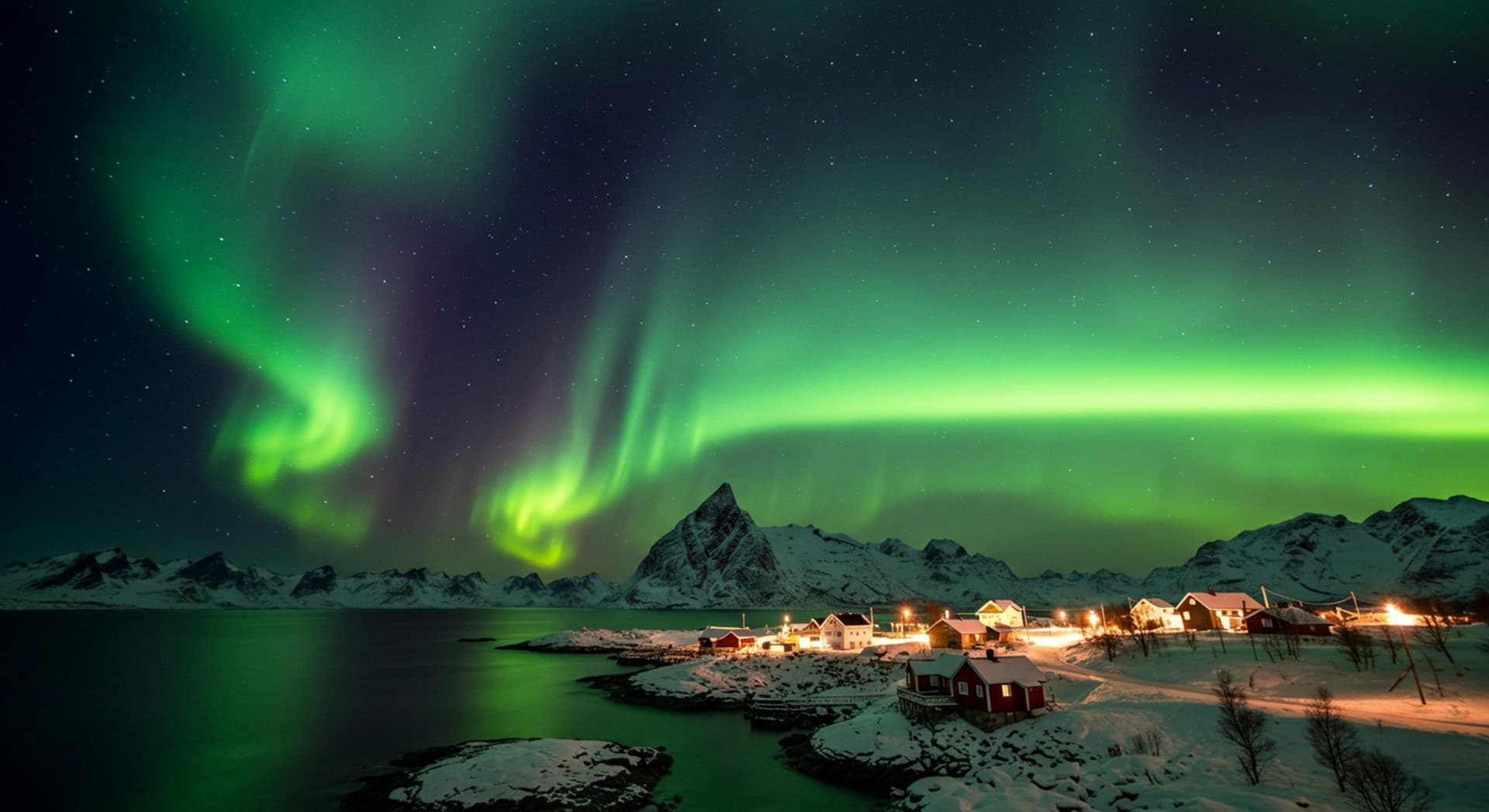
Photo: DANTE FABILLAR / Unsplash
Composition
A photo that tells where you were
Include a foreground
A mountain, a boathouse or water that mirrors the sky gives the photo a place and a sense of scale.
Keep the horizon low
Give the sky two thirds of the frame, and keep the horizon level. That is where the aurora is.
Try portrait format
Portrait takes in more of the sky, landscape more of the land. Take both.
Find the spot in daylight
Then you know where to stand, and where street lights and roads light up the frame.
When the photo is not what you wanted
- Blurry
- The focus is off, or the camera moved. Focus on a star and use the self-timer.
- Green haze without shape
- The exposure is too long. Try 3–5 seconds and a higher ISO.
- A lot of noise
- The photo is too dark or the ISO too high. Give it a little more time instead.
- Fog on the lens
- A cold lens meets warm breath or warm air. Put the camera in a sealed bag before you go inside and let it warm up slowly.
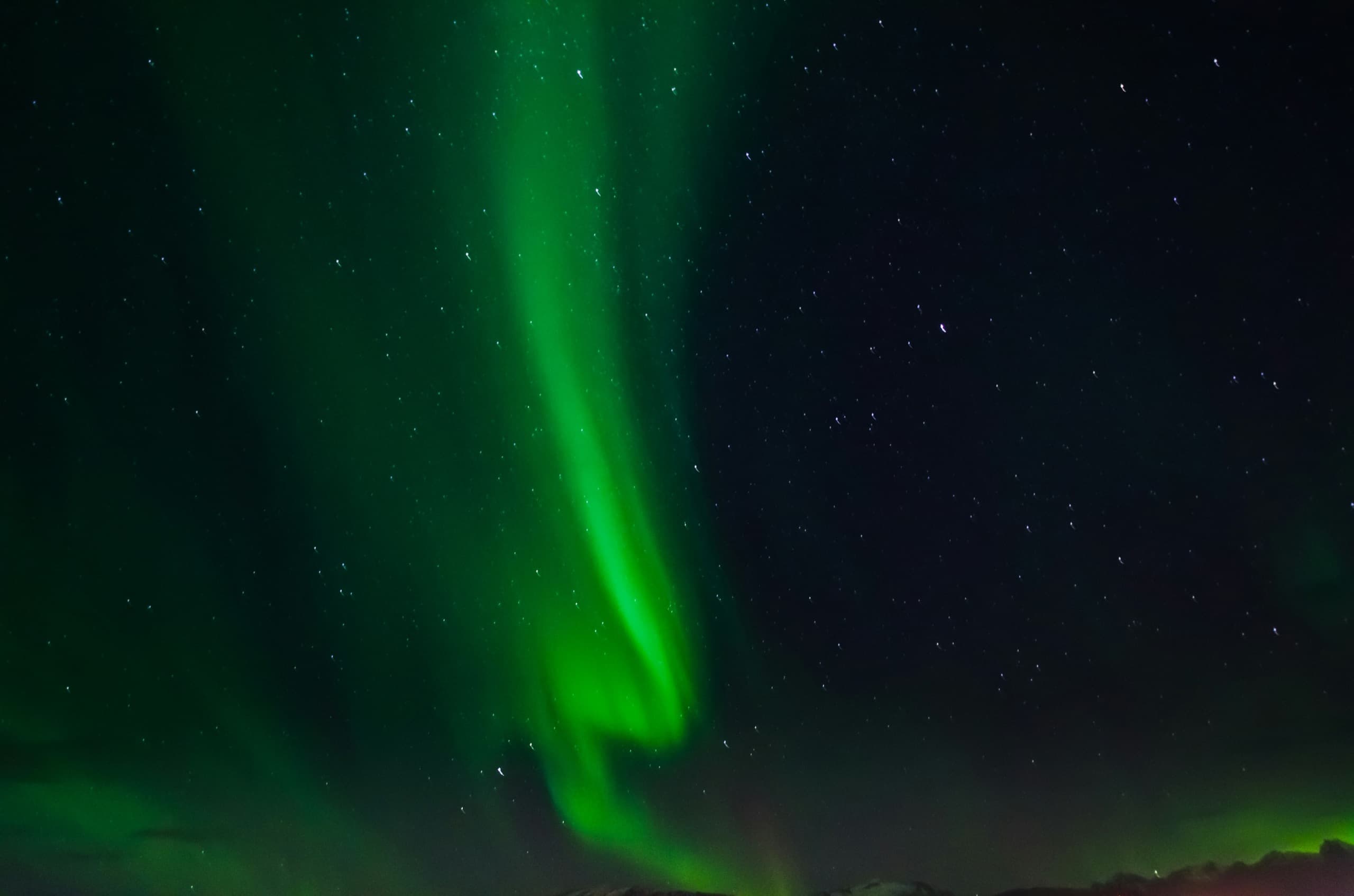
Photo: Kevin Lofthouse / Unsplash
Find the night first
The best photo needs a clear sky and some activity. See the chance where you are tonight, or plan your trip for the next four weeks.